How to Learn Programming
A practical, no-fluff roadmap for absolute beginners — pick a language, set up in five minutes, build real projects, and stick with it long enough to become good.
Every programmer you admire started exactly where you are right now: staring at a blank screen, unsure what a "variable" even is. The good news is that learning to program is not about being a genius — it's about following a simple process consistently. This guide is that process, broken into steps you can actually follow, in plain language, with nothing skipped and nothing assumed.
Why learn programming?
Programming is the closest thing we have to a superpower you can pick up from a laptop. It lets you automate boring tasks, build the app or website you wish existed, understand how the technology around you actually works, and open the door to some of the best-paying, most flexible careers in the world. You don't need a computer science degree, you don't need to be "good at math," and you don't need to start young. You need a plan — and a little patience.
Step 1: Pick one language and stick with it
The single biggest reason beginners quit is language-hopping — bouncing from Python to JavaScript to C++ every time a tutorial gets hard, never getting far enough in any one of them to feel competent. Pick one language and commit to it for at least three months.
If you don't already have a reason to pick something else, start with Python. It reads almost like English, it's forgiving for beginners, and it's used everywhere — web development, data science, automation, and AI. Here's the entire "hello world" program in Python:
print("Hello, World!")That's it. One line. No semicolons, no boilerplate, no ceremony. That simplicity is exactly what makes it a great place to start.
Step 2: Set up a coding environment in five minutes
Don't let "setup" become an excuse to delay actually coding. Two options, from zero-friction to standard:
- No installation: Open a free online editor like Replit in your browser and start typing code immediately. Perfect for your very first week.
- Standard setup: Install Python and a free code editor like VS Code. This is what you'll eventually want, so switching to it after your first week or two is a natural next step.
Step 3: Learn by building, not just reading
Watching tutorials feels productive, but it's the easiest way to trick yourself into thinking you're learning when you're not. Programming is a physical skill, like playing an instrument — you learn it with your fingers, by typing code yourself, making mistakes, and fixing them.
A good rule of thumb: for every 20 minutes you spend watching or reading, spend at least 60 minutes typing code yourself, from scratch, without copy-pasting. It will feel slower. It is actually much faster, because it's the only method that builds real understanding.
Step 4: Learn these fundamentals — nothing more, nothing less
You do not need to learn "everything" before you start building. You need these core ideas, which show up in every programming language ever created:
- Variables — storing a piece of information under a name.
- Data types — numbers, text (strings), true/false (booleans), and lists of things.
- Conditionals — making decisions with
if/else. - Loops — repeating an action with
forandwhile. - Functions — packaging up code you can reuse instead of repeating yourself.
- Lists and dictionaries — organizing groups of related data.
That's genuinely the whole list. Every advanced topic you'll ever learn is built on top of these six ideas. Spend two to three weeks getting comfortable with them through small exercises, then move on — don't wait to feel "ready," because that feeling takes a very long time to arrive on its own.
Step 5: Practice a little, every single day
Thirty focused minutes a day for a month will take you further than one exhausting eight-hour session on a Saturday. Programming skill is built through repetition and spaced practice, the same way muscle memory is. Missing a day occasionally is fine — missing two weeks is how most people quit. If you can only do ten minutes some days, do ten minutes. Showing up matters more than how long you stay.
Step 6: Get comfortable reading error messages
New programmers see a red error message and panic. Experienced programmers see the exact same message and think "oh, easy fix." The difference isn't skill — it's familiarity.
An error message is not the computer telling you that you failed. It's the computer telling you exactly what's wrong and often which line it's on. Read it slowly, search the exact error text online (you are never the first person to see it), and treat debugging as a normal, expected part of writing code rather than a sign something has gone wrong with you specifically.
Step 7: Build real, if small, projects
Once you know the fundamentals, stop doing isolated exercises and start building things that do something. Some beginner-friendly project ideas, roughly in order of difficulty:
- A number-guessing game
- A to-do list you can add items to and check off
- A simple calculator
- A script that renames or organizes files in a folder automatically
- A basic personal website or portfolio page
Each of these forces you to combine everything you've learned instead of practicing it in isolation — and gives you something real to point to when someone asks what you've been learning.
Step 8: Learn Git early, not "eventually"
Git is the tool programmers use to save versions of their code and track changes over
time, and GitHub is the most common place to host that code publicly. Beginners often put
this off, but the basics take under an hour to learn and save you from the very real pain
of accidentally deleting or breaking days of work. Learn these four commands and you're
already ahead of where most beginners are after a month: git init,
git add, git commit, and git push.
Step 9: Find people learning alongside you
Learning alone is harder than it needs to be. Communities like r/learnprogramming, the freeCodeCamp forum, and local or online coding meetups exist specifically to answer beginner questions without judgment. Ask questions early rather than staying stuck for hours in silence — everyone in these spaces has been exactly where you are.
Common mistakes that slow beginners down
- Tutorial hell — endlessly consuming tutorials without ever building anything on your own.
- Comparing your day 10 to someone else's year 5. Everyone you're comparing yourself to was once exactly as confused as you are now.
- Trying to memorize syntax instead of understanding concepts. Syntax is something you look up; understanding is something you build.
- Perfectionism — refusing to move on until a topic feels "fully mastered." It never will, on the first pass. Move on and come back later with more context.
What to learn after the fundamentals
Once you're comfortable building small projects on your own, natural next steps include learning basic data structures and algorithms, picking up a framework relevant to what you want to build (like a web framework if you're interested in websites), and contributing to a small open-source project to get comfortable reading other people's code.
None of this needs to happen overnight, and none of it needs to happen in a particular order. The only step that actually matters is the next one: open your editor, and write one line of code today.

Mubeen Ul Alam
I'm Mubeen Ul Alam, a full-stack developer building modern web applications and cross-platform mobile apps for Android and iOS. From intuitive frontends to robust backends, I turn ideas into reliable, high-performance digital products.
More about meKeep reading
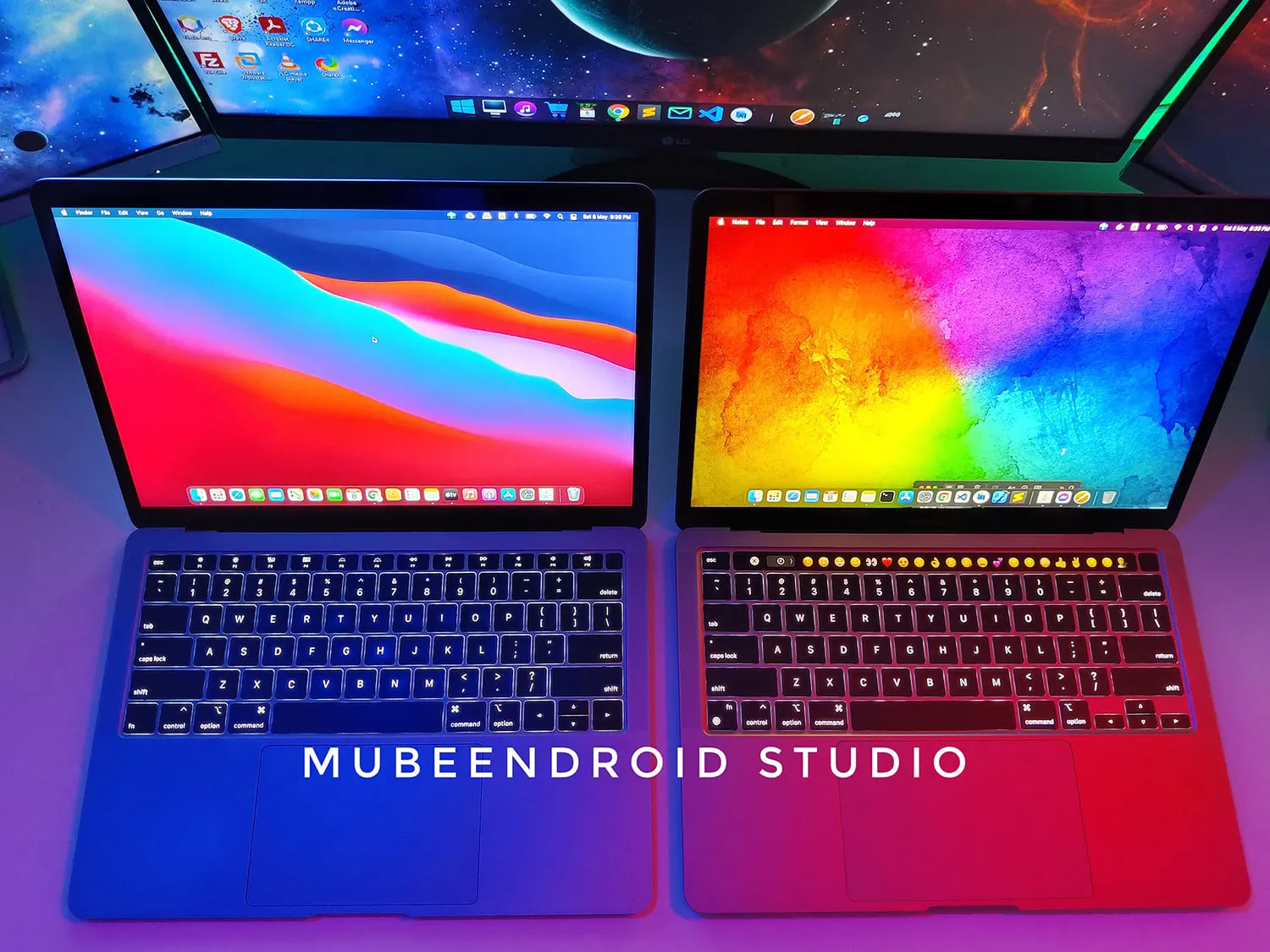
Laptop buying guide
আমাকে ফেইসবুকে এবং বাস্তব জীবনে অনেক মানুষ জিজ্ঞাসা করেন কোন ল্যাপটপ কিনবেন। আসলে এই প্রশ্নের সহজ কোনো উত্তর নেই। অনেক ধরনের ল্যাপটপ আছে। এক একজনের বাজেট এব…
Laptop Buying Guide
Many people ask me on Facebook and in real life which laptop they should buy. Actually there is no easy answer for this question. There are many type…